Git is powerful because it preserves the shape of a project over time. It can also feel fragmented: the graph lives in one command, the diff in another view, the push in a terminal, and the pull request in a browser tab.
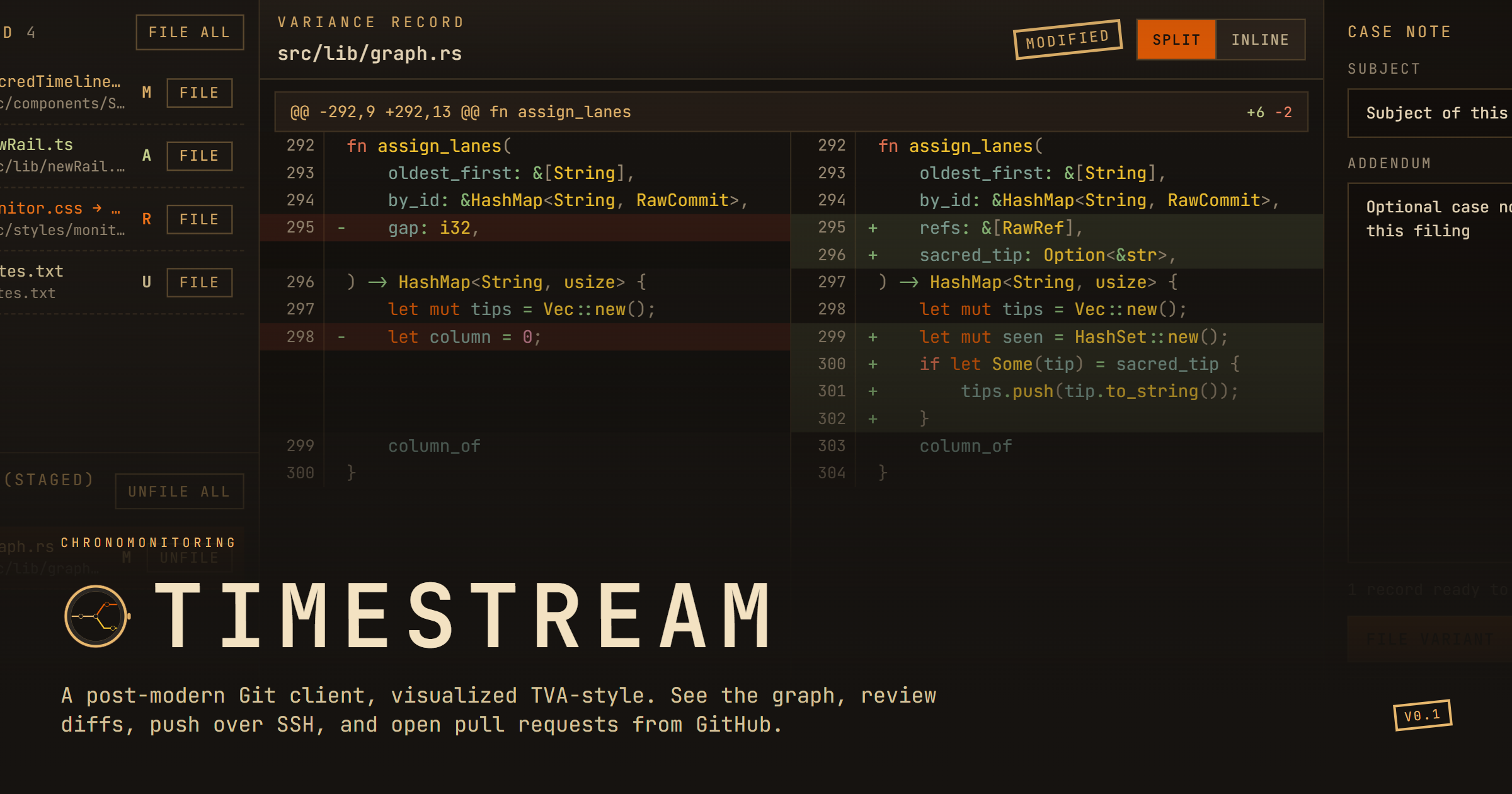
Timestream is a desktop Git client that makes the repository timeline the main surface, then puts review, commit, SSH, and GitHub actions around it. The product is intentionally opinionated: give the working tree a desk, make the next state visible, and keep the local repository in the driver's seat.
The commit graph as the starting point
The product's central idea is simple: history should be read as a graph, not only as a list of messages. Timestream places the default branch down the centre of the view and lets other branches fork away as spurs. Selecting a commit gives the developer a concrete place to inspect what changed.
That visual model is useful when a repository has several active lines of work. Instead of reconstructing the sequence from abbreviated hashes, a founder or maintainer can orient themselves first, then move into the review work attached to the selected point in time.
A local-first Git client with a clear scope
Timestream is not trying to become an all-purpose project management suite. Its job is to help a developer move from a local repository to a reviewed commit, a safe push, and a GitHub pull request without constantly switching mental contexts.
The local-first positioning also sets a useful boundary. The repository and working tree remain the source of truth, while GitHub is brought in where collaboration needs it: pull request conversations, commits, files, and the final shared record.
The strongest desktop Git tools do not hide the repository. They make its state legible enough that the next action feels obvious.
Read the repository before touching it
Opening a repository in Timestream starts with orientation. The graph shows where the current branch sits, how other branches diverged, and which commit is worth opening next. That is a small interaction, but it replaces a lot of invisible reconstruction work.
A timeline for context, not decoration
A visual graph earns its place when it answers a practical question: what happened before this state, and which line of work produced it? Timestream keeps that question close to the commit itself, so the timeline supports inspection rather than becoming a separate dashboard to admire.
Diff review as the workbench
Once a commit or working-tree change is selected, the review desk brings staged, unstaged, and untracked files into one place. Selecting a file opens the relevant hunk, where the developer can compare the split or inline view and decide what belongs in the next commit.
That sequence is especially helpful for small teams and solo founders. The interface keeps the changed-file list beside the code, reducing the chance that a quick fix becomes a commit without a deliberate review of what actually moved.
SSH pushes with guardrails
Pushes are where a local workflow meets a shared repository. Timestream lets the user choose an SSH key, start ssh-agent when needed, and transmit without moving the work into a separate credential flow. The product describes the push policy as fast-forward only, with no force-push.
That is the kind of constraint that makes a tool more trustworthy. It does not remove Git's power; it puts a visible boundary around the action most likely to surprise a collaborator. Timestream also says tokens do not land in settings.toml, keeping credential handling out of the project configuration.
GitHub work as a filing desk
The last step is not an awkward handoff to a browser. Timestream frames GitHub pull requests as dockets that bring together the conversation, commits, and files. That vocabulary matches the product's broader filing-desk theme: the work should have a clear record and an obvious next place to go.
Authentication can use a GitHub App device flow or a personal access token. The result is a focused bridge between a local branch and the collaborative review surface where a team can discuss and merge it.
A focused desktop workflow
The product's path can be understood as four deliberate moves. Each one answers a different question, and together they keep the workflow close to the repository instead of spreading it across a command line, a diff viewer, and multiple browser tabs.
- 1Open the repository and read the graph to understand the current branch and its history.
- 2Review the working tree, inspect the diff, stage the intended files, and file the commit.
- 3Choose the SSH key and push with a fast-forward-only policy that protects published history.
- 4Open the GitHub pull request with its conversation, commits, and files ready for collaboration.
Who Timestream fits
Timestream is a good fit for indie founders, developers, and small teams who want a visual understanding of Git without giving up local control. It should appeal to people who spend enough time in repositories to care about branch context, but would rather not turn every commit into a sequence of terminal commands.
The current v0.1 release is positioned for Windows, macOS, and Linux AppImage. It is also open source under AGPL-3.0, which gives technically minded users a clear path to inspect the project and follow its future releases.
Why Indie Chains recommends Timestream
Indie Chains editorial
Timestream has a clear product thesis: make Git history feel readable, then keep the actions around that history close enough to stay in flow. The visual timeline gives the product a memorable point of view, while the review desk and push guardrails make that point of view practical.
We also like the restraint. Timestream is not trying to replace the repository or hide the mechanics that make Git trustworthy. It gives founders a calmer desk for the work they already do, with a local-first boundary and a direct route into GitHub collaboration.
Related showcase
Other founder tools and products worth exploring.
Yoanna Juille: An Unfiltered Build-in-Public Journal for Indie Hackers
How Yoanna Juille documents the uncertain work of building independent products, from pivots and positioning decisions to landing-page experiments and the story behind Lutains.
7 min read
Read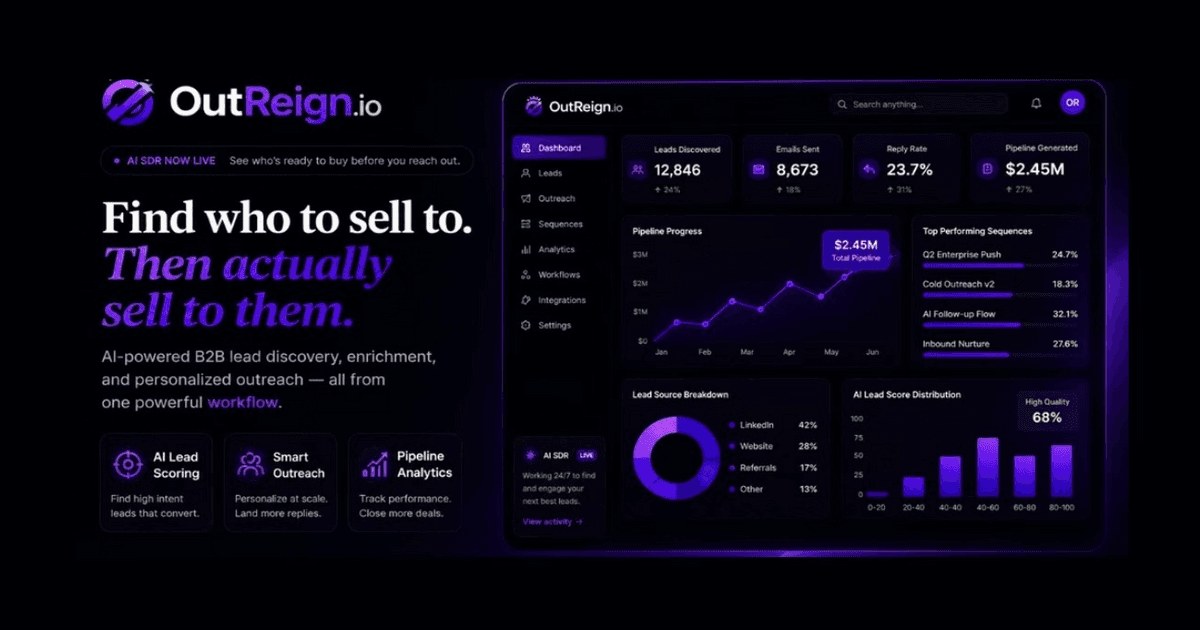
OutReign: From Plain-English ICP to a Live B2B Outbound Workflow
How OutReign turns an ideal customer description into ranked prospects, SMTP-verified emails, personalized first-touch drafts, and a repeatable outbound workflow.
8 min read
Read